About SeQRCode
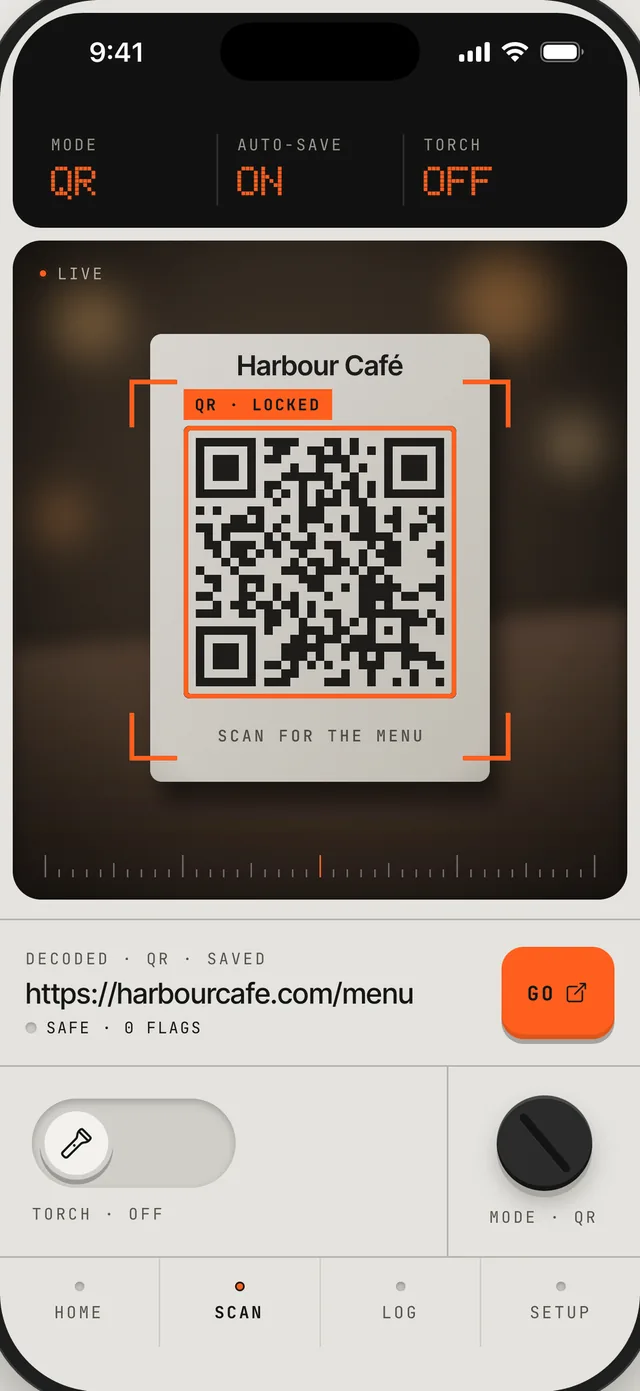
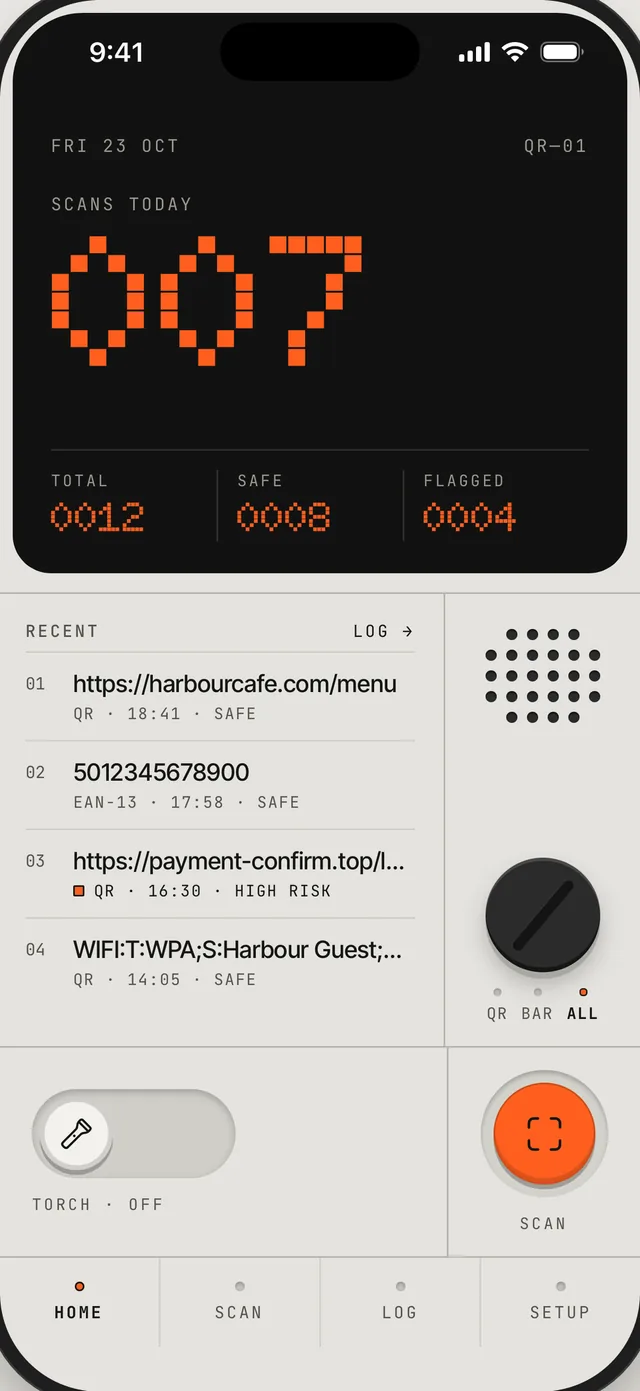
A QR code can hide any link. SeQRCode reads the code first and checks where it goes, so you see the risk before anything opens. The app looks like a small instrument: an orange dot-matrix display, a mode dial and keys you can feel.
Key Features
Checks every link
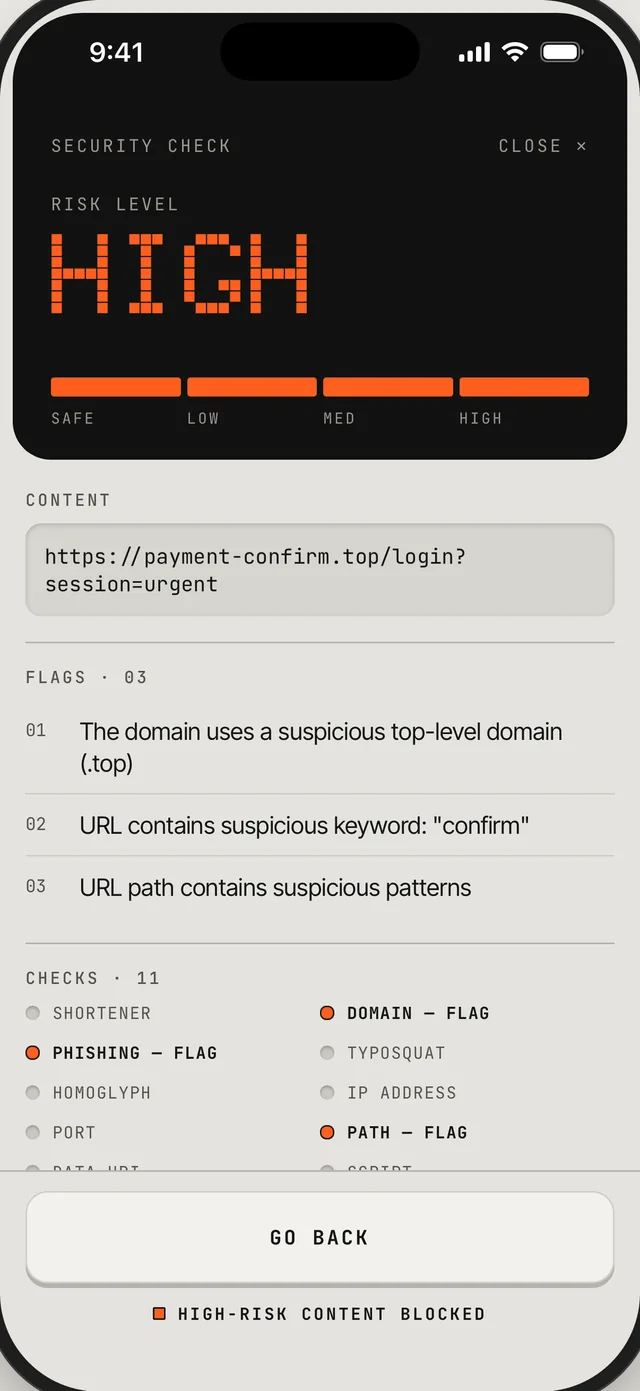
Each scan is tested for URL shorteners, lookalike domains, typosquatting, characters that imitate normal letters, raw IP addresses and suspicious keywords.
A clear risk level
The result reads from safe to high, with each flag explained in plain language. High-risk links are stopped, so you can go back instead of walking into a phishing page.
QR codes and barcodes
Turn the dial to scan QR codes, barcodes or both.
A scan log on your device
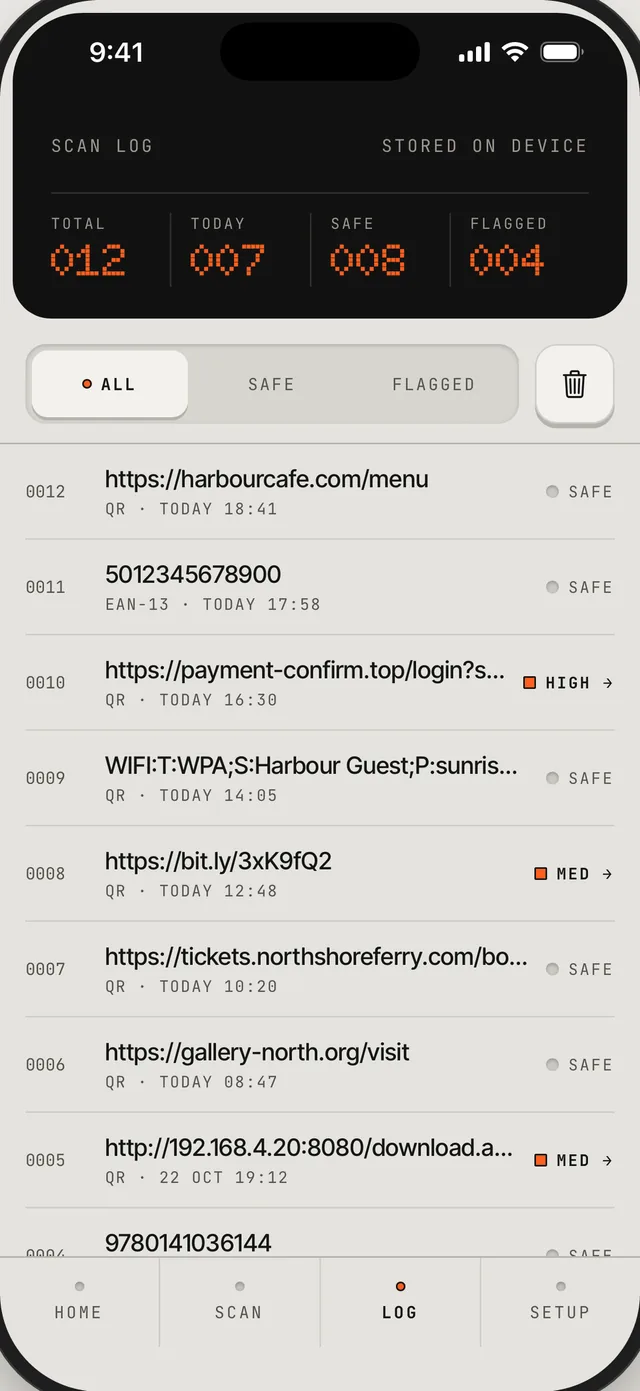
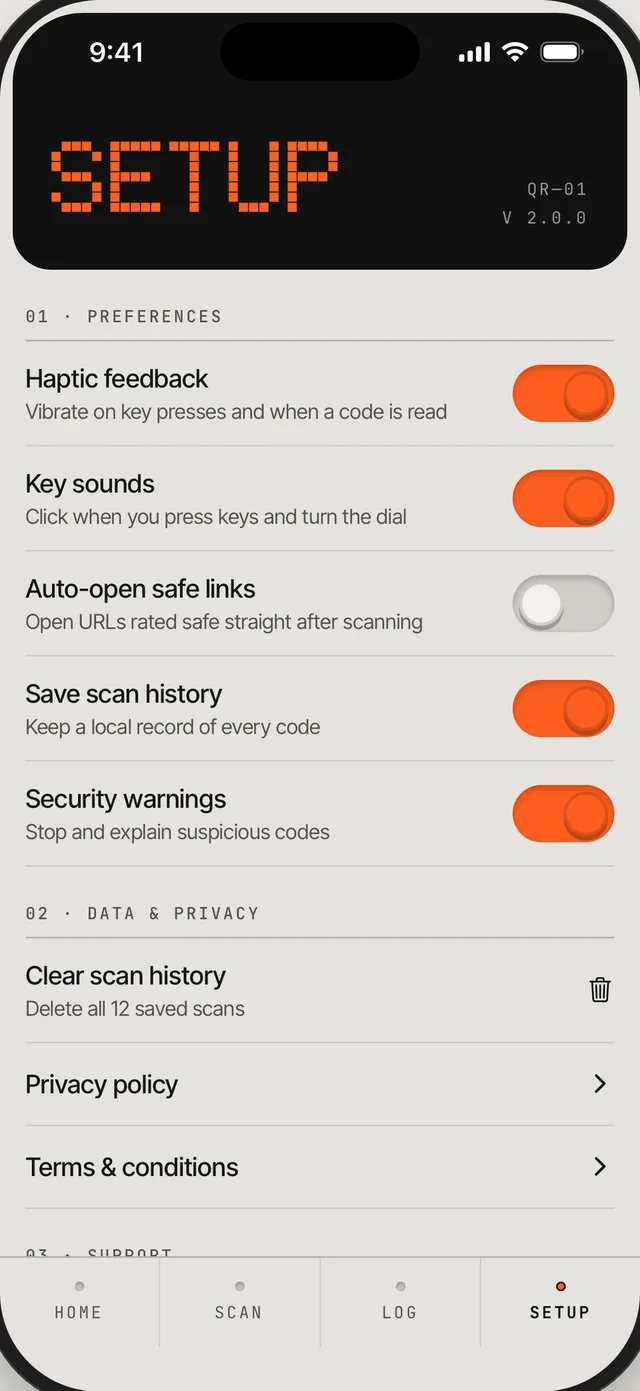
Every scan is saved with its risk level, and you can filter by safe or flagged. Clear the log any time, or turn it off.
Your settings
Set haptics, key sounds and security warnings, and choose whether safe links open straight after scanning.
No ads, no account
There’s nothing to sign up for, and SeQRCode collects no data.
Technical Details
Built with React Native and Expo, using expo-camera for scanning. The security checks run on the device, and scan history lives in a local SQLite database, so it stays private and works offline.